Features
Everything in one mixing workspace
Wisdom Pro is built for the mix stage. Here is what it does today.
AI Mix
Your mix, moved toward a reference
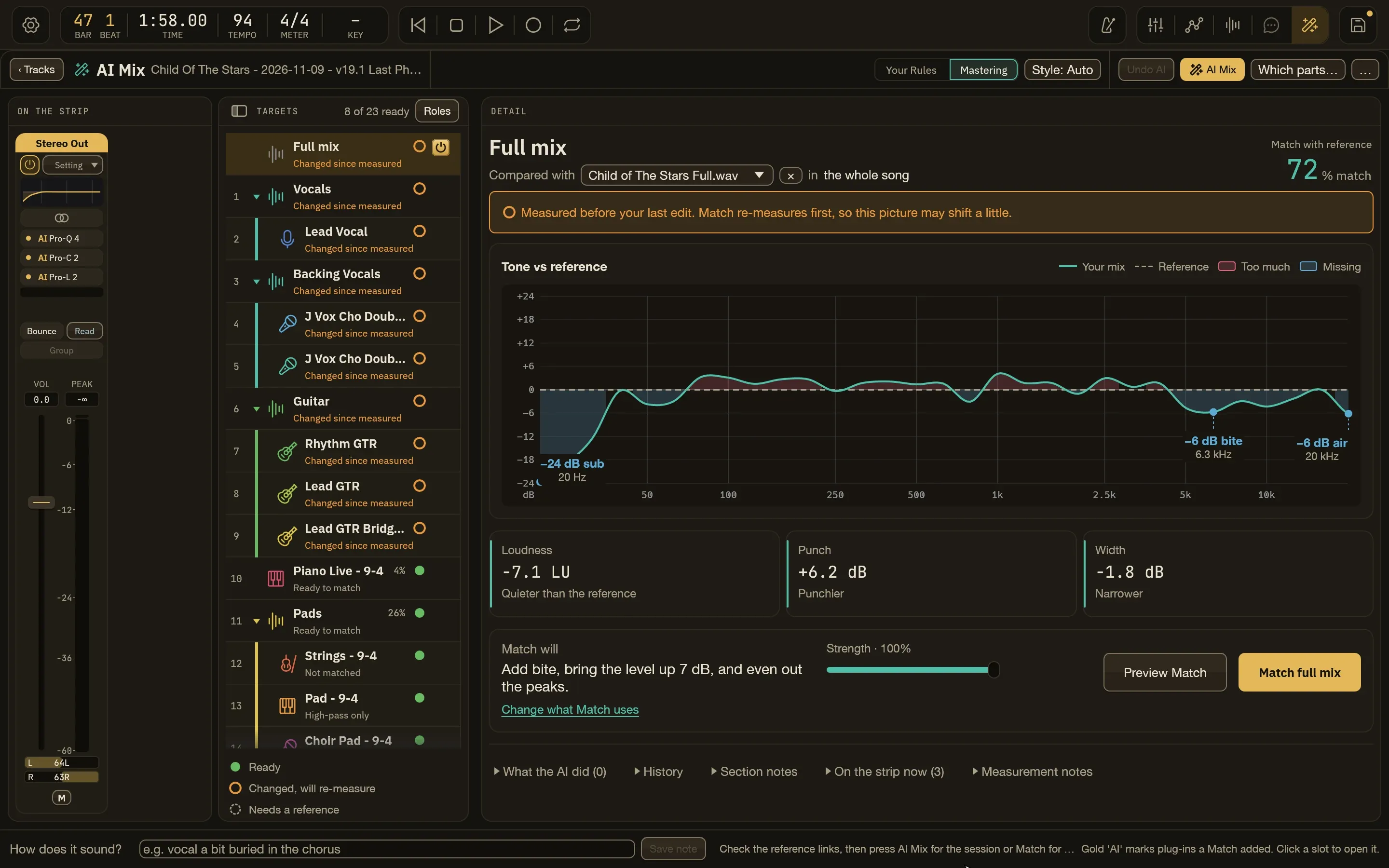
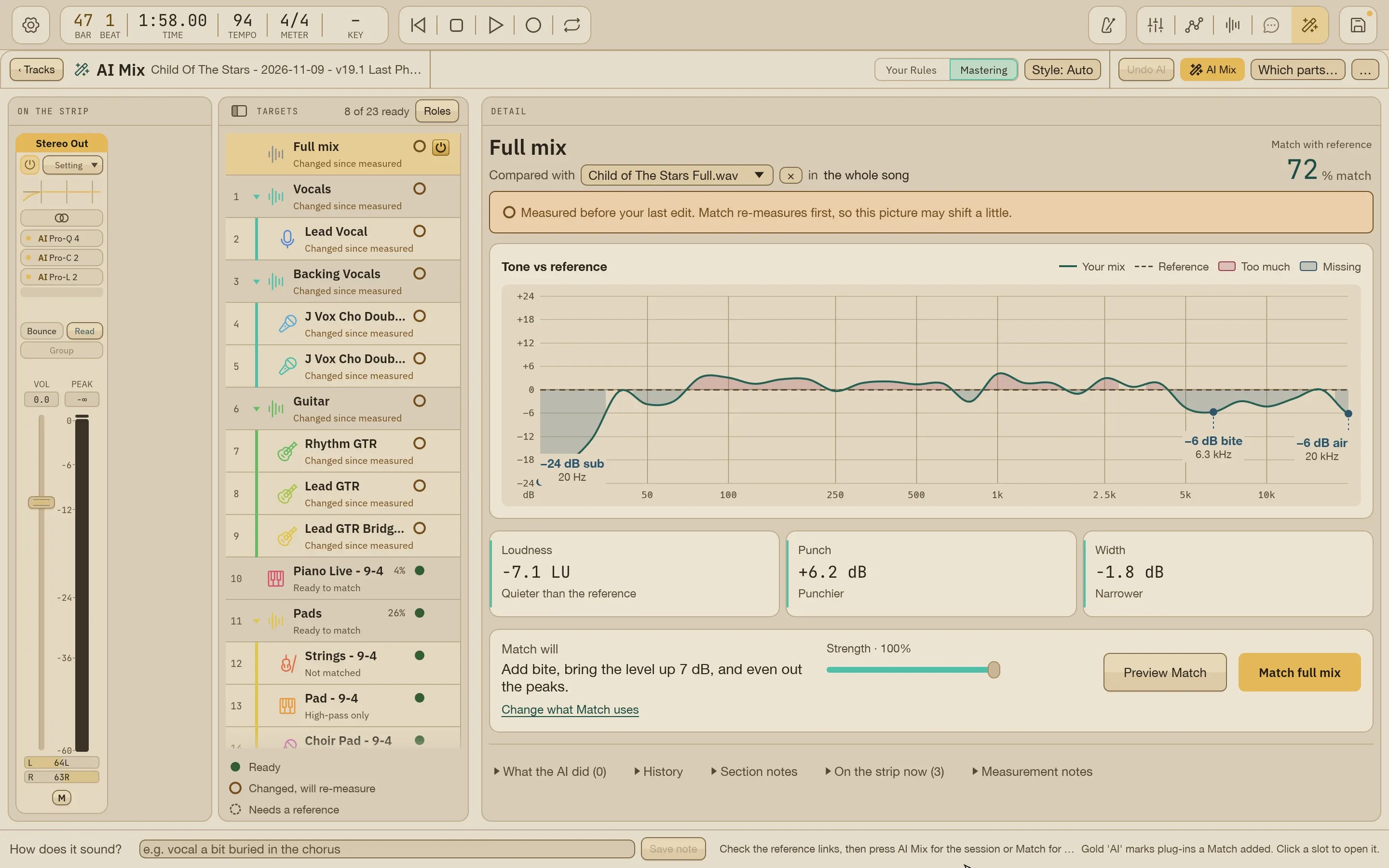
Add a reference song (or its stems) and AI Mix matches each track, each Summing Stack and the full mix toward it, then builds shared reverb and delay. Everything it adds is an ordinary plug-in, send or gain move you can adjust by ear.
- Runs only when you request it, and one undo takes it back
- Match one track at a time, or the whole song
- Re-run only new or changed parts, or redo one step and keep your hand edits
- A report of every setting it read and every control it changed
Compadre
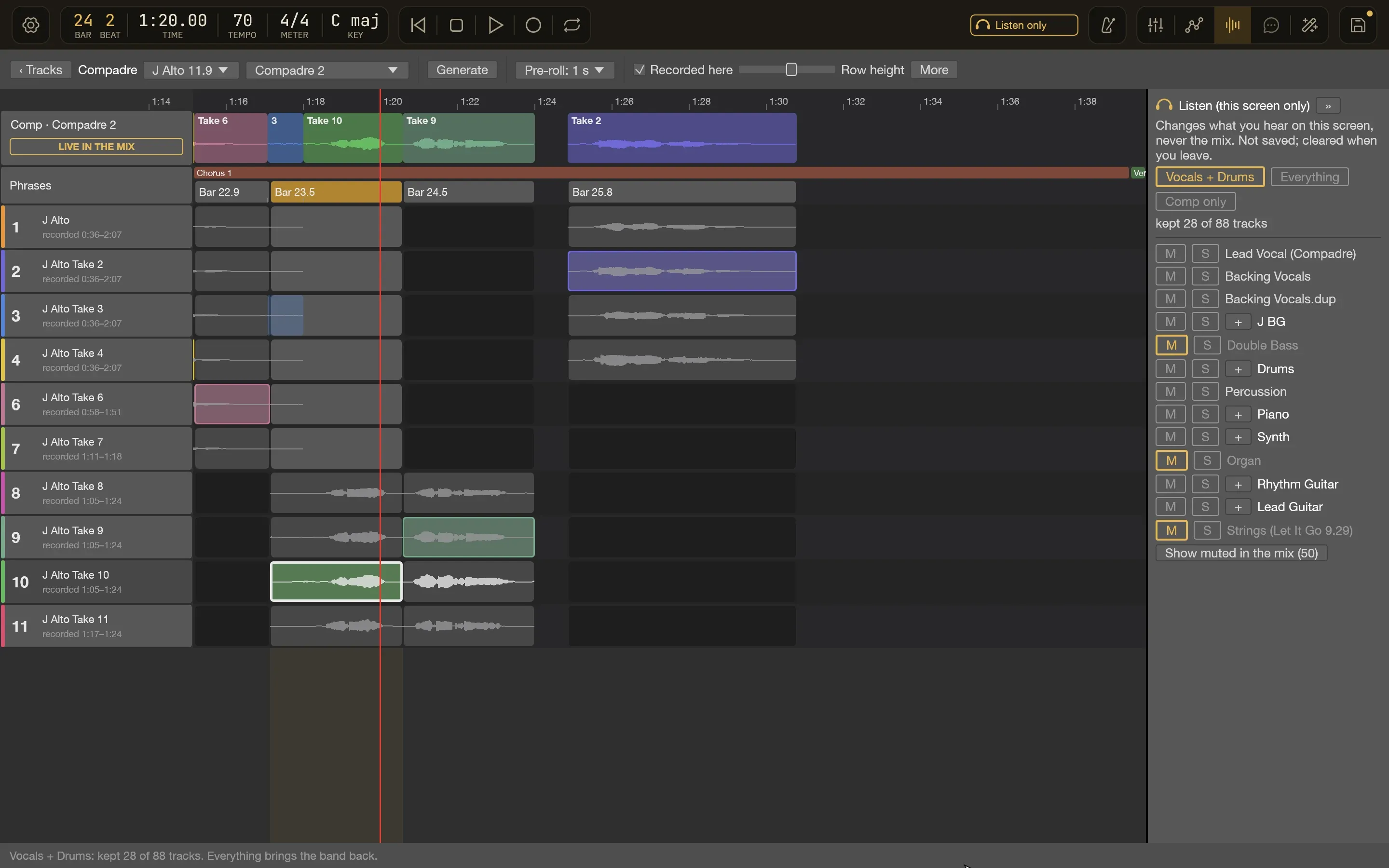
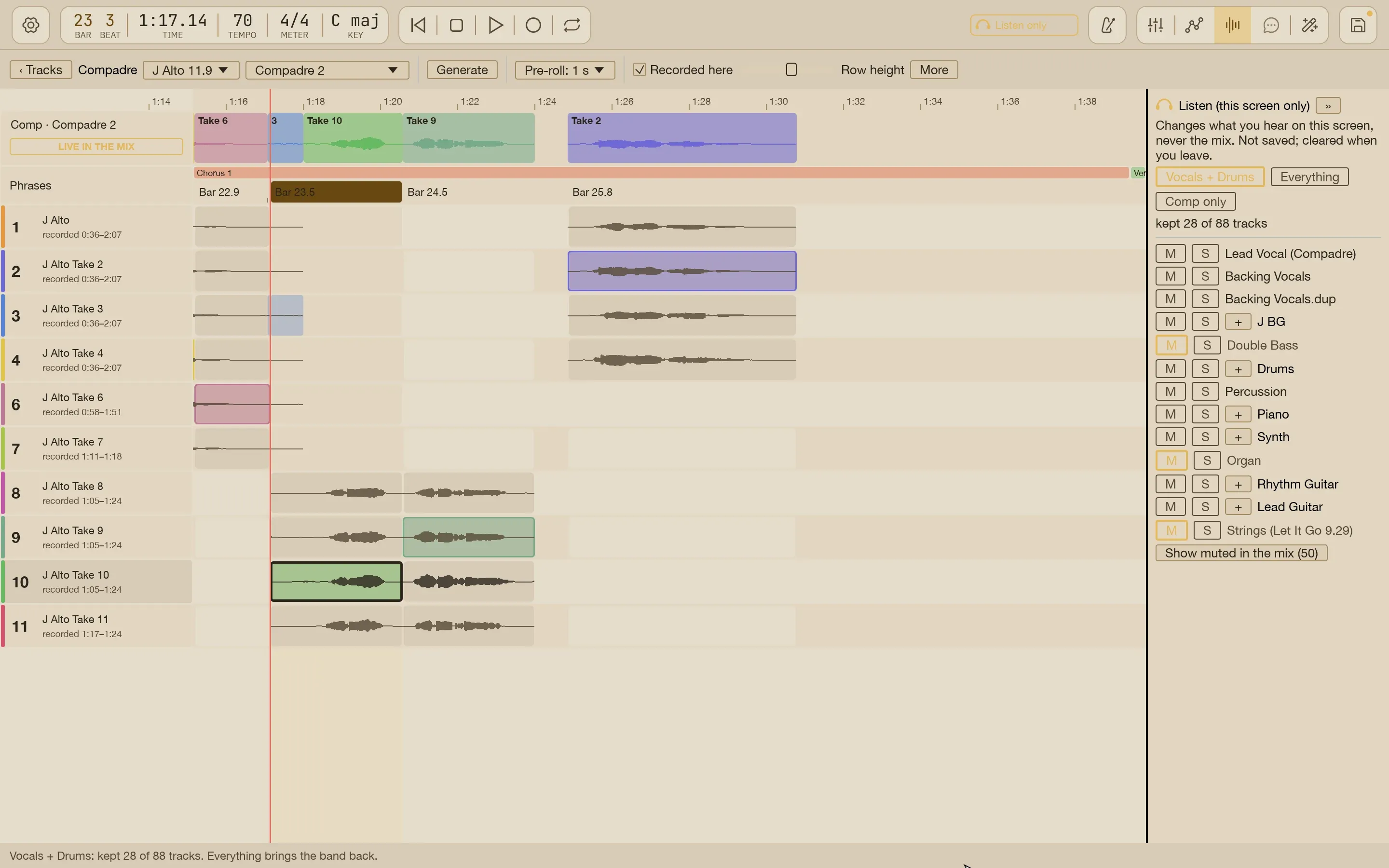
Comping, done with you
Group your takes, pick the best one for each phrase and hear every choice in the context of the mix. Or let Compadre propose a comp to start from.
- Vocal, guitar and other instrument takes
- Phrase-by-phrase choices you can change
- Every comp is kept, so you can go back
The workspace
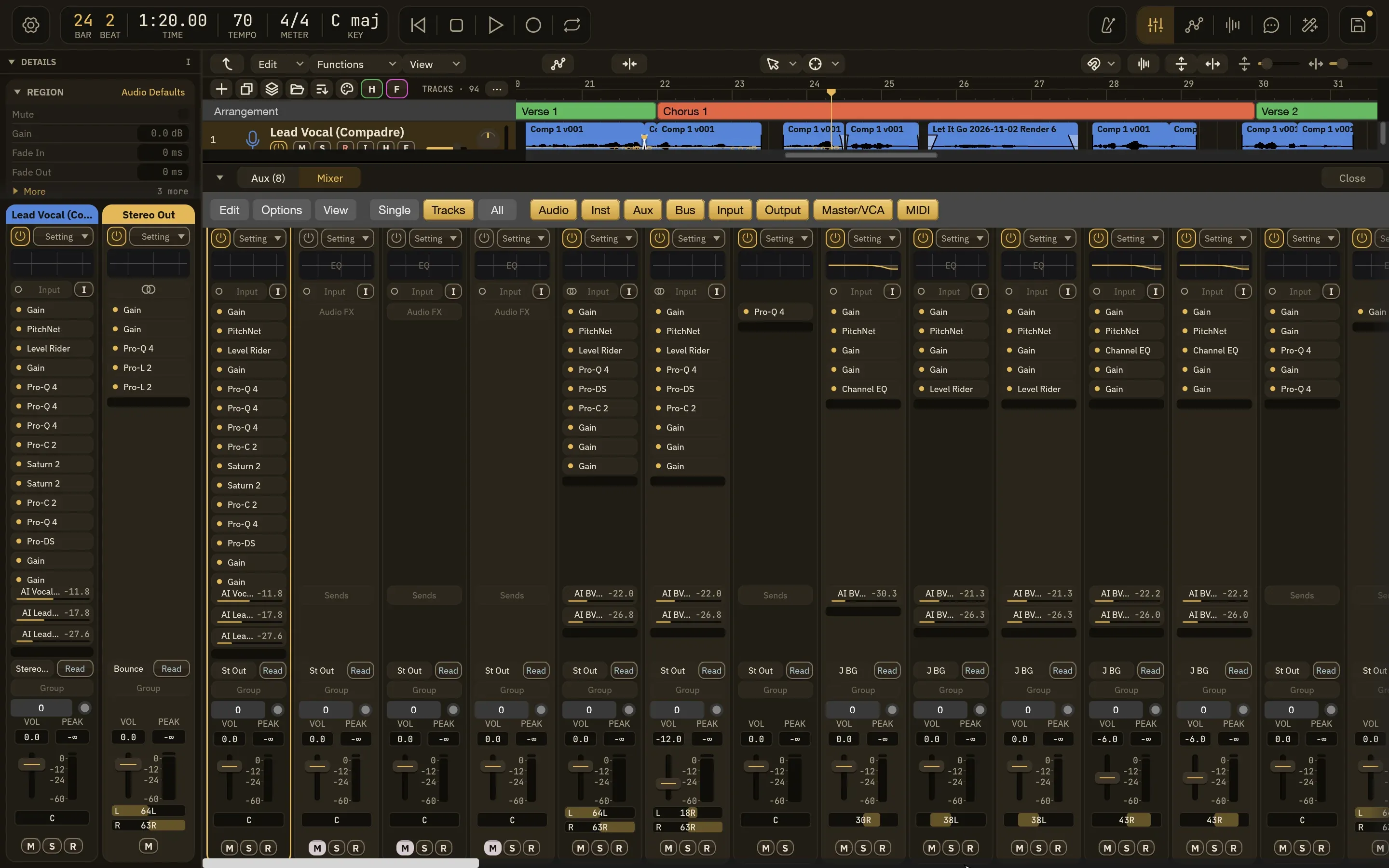
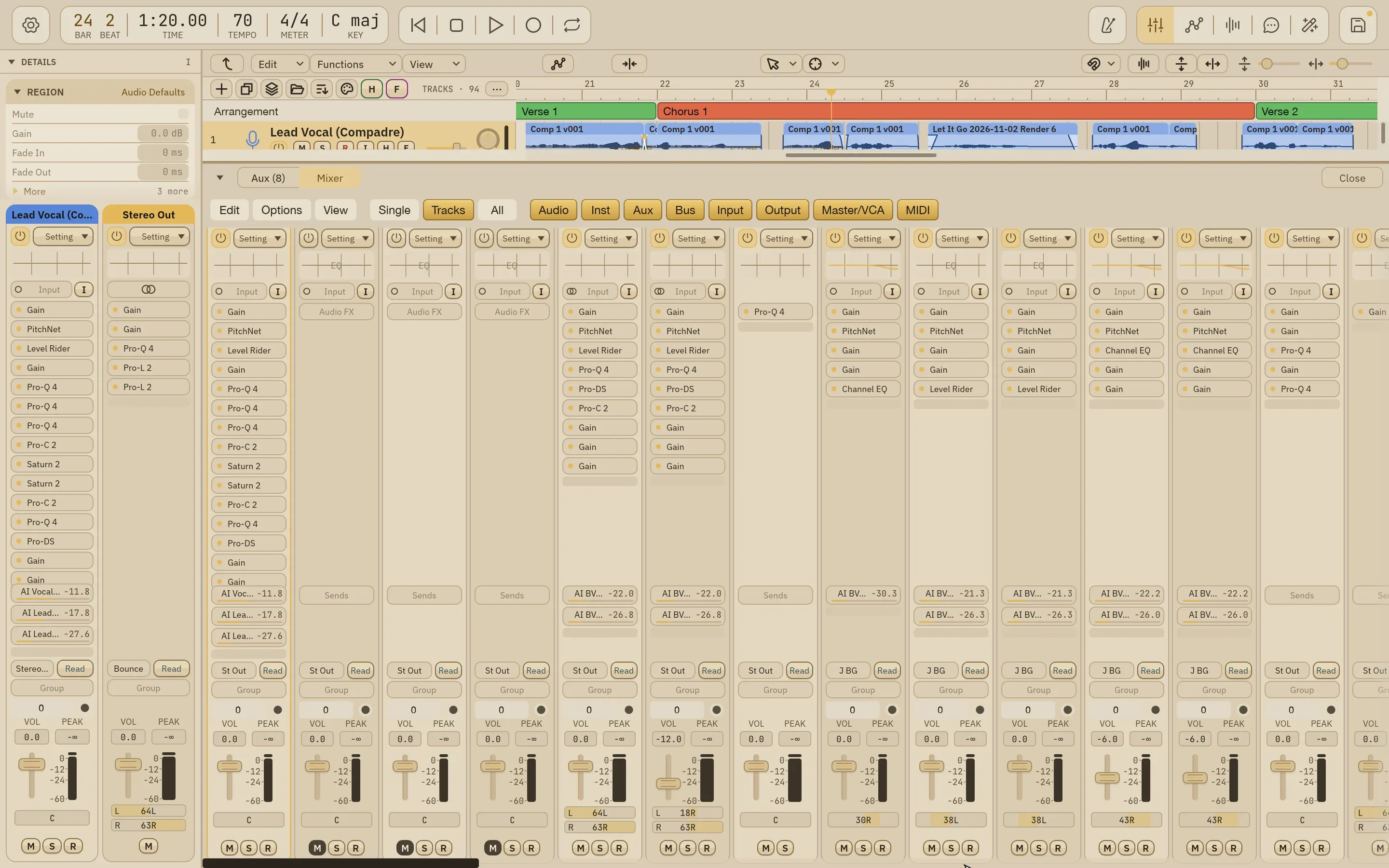
Tracks, a mixer and a Details panel
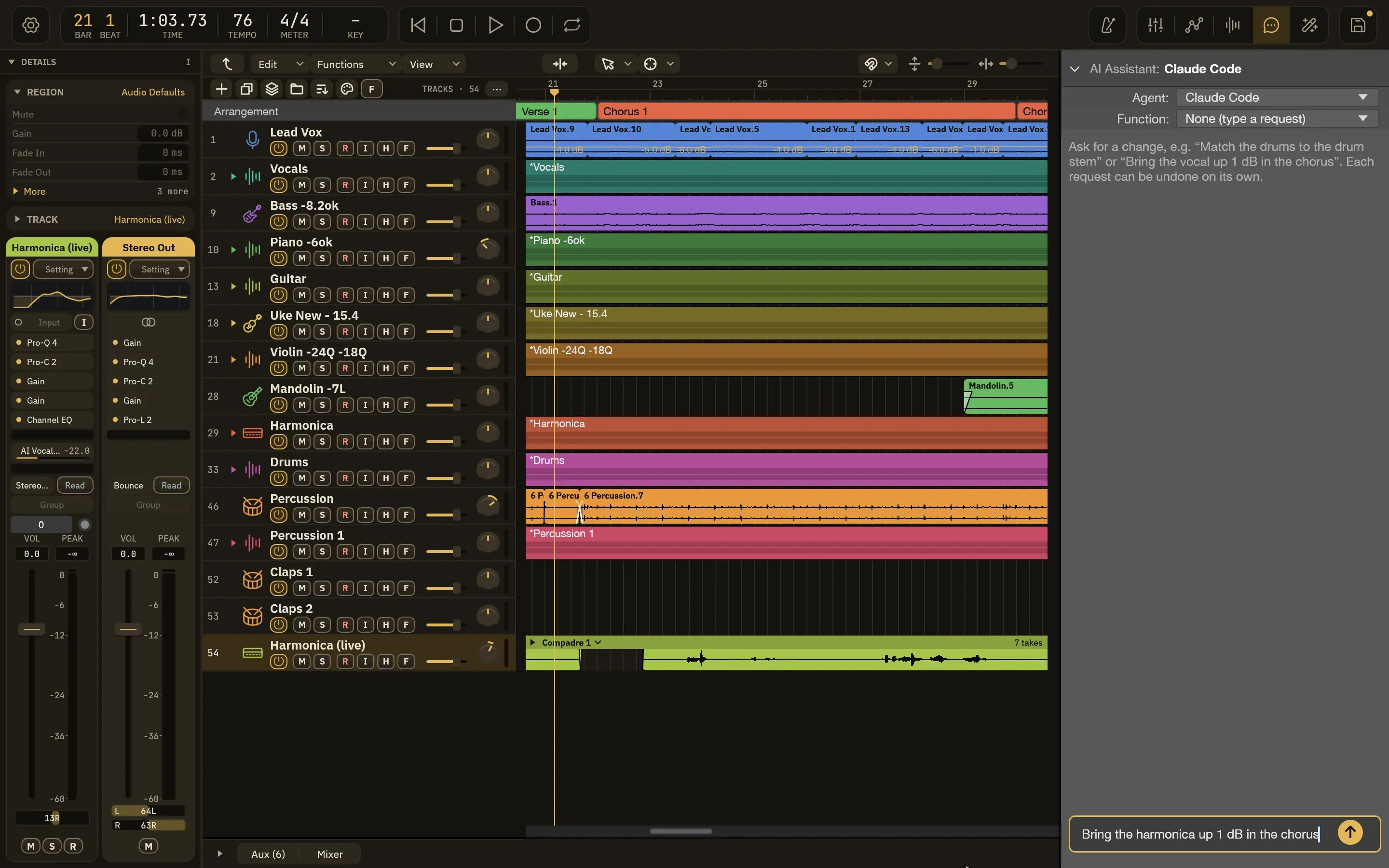
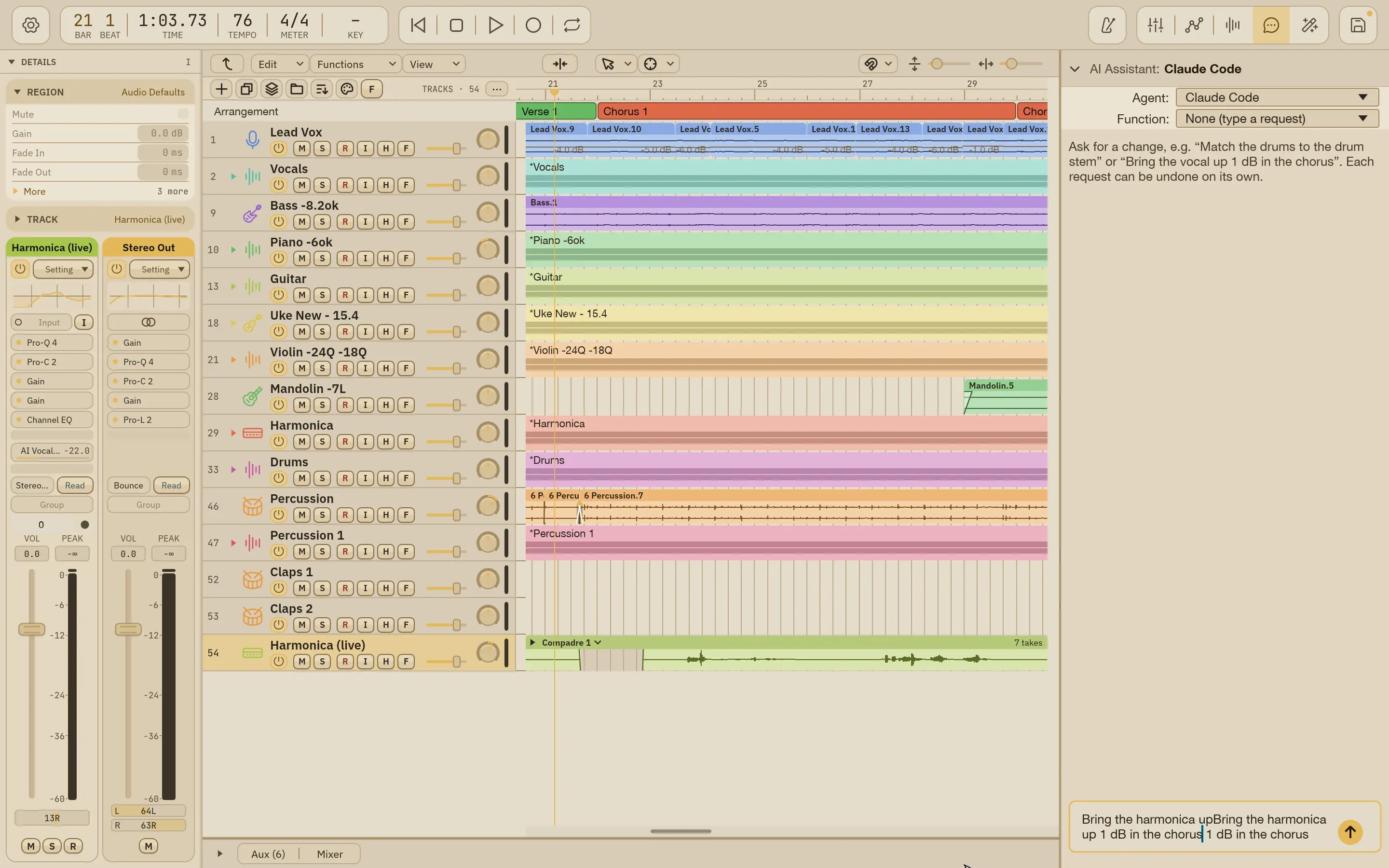
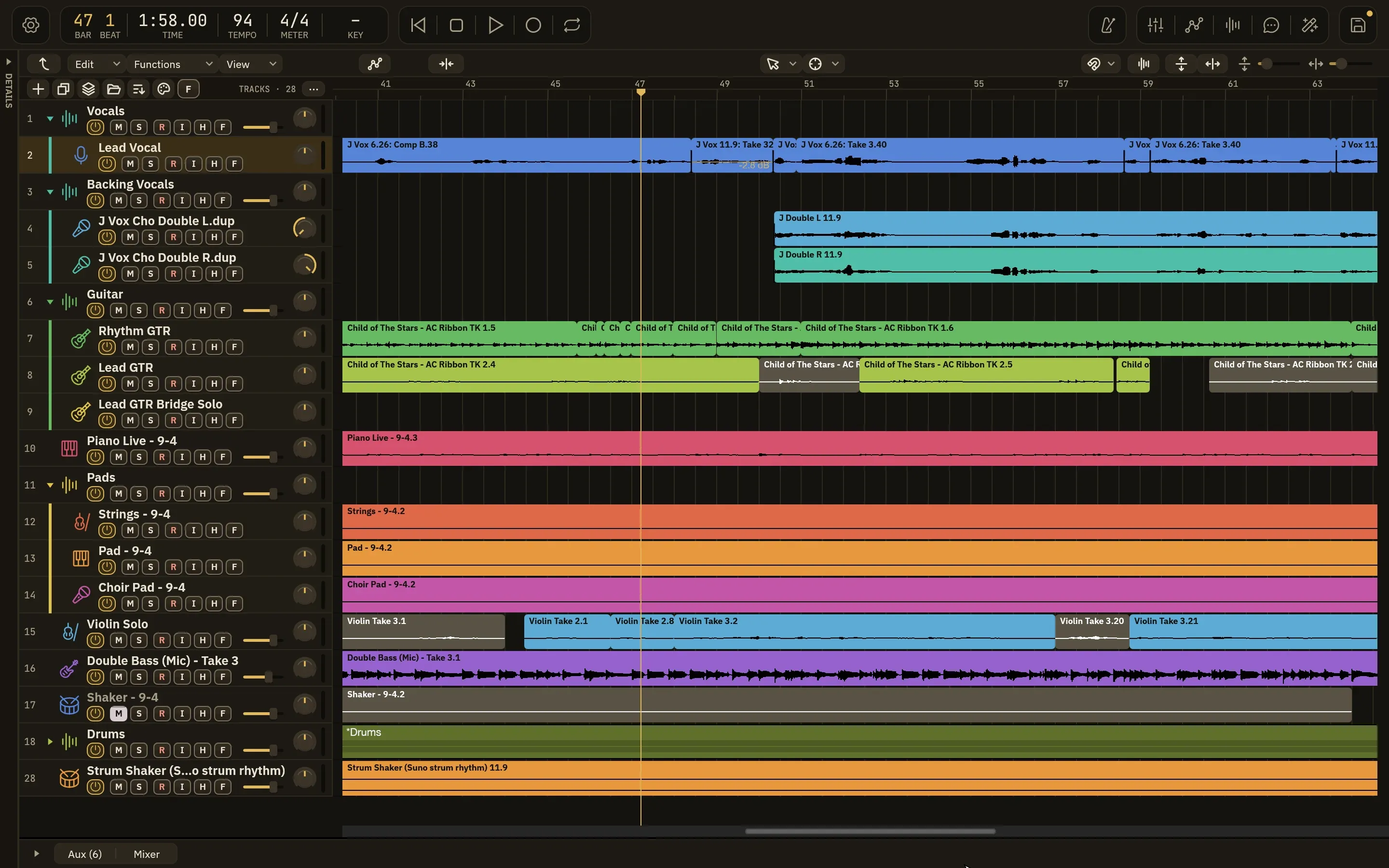
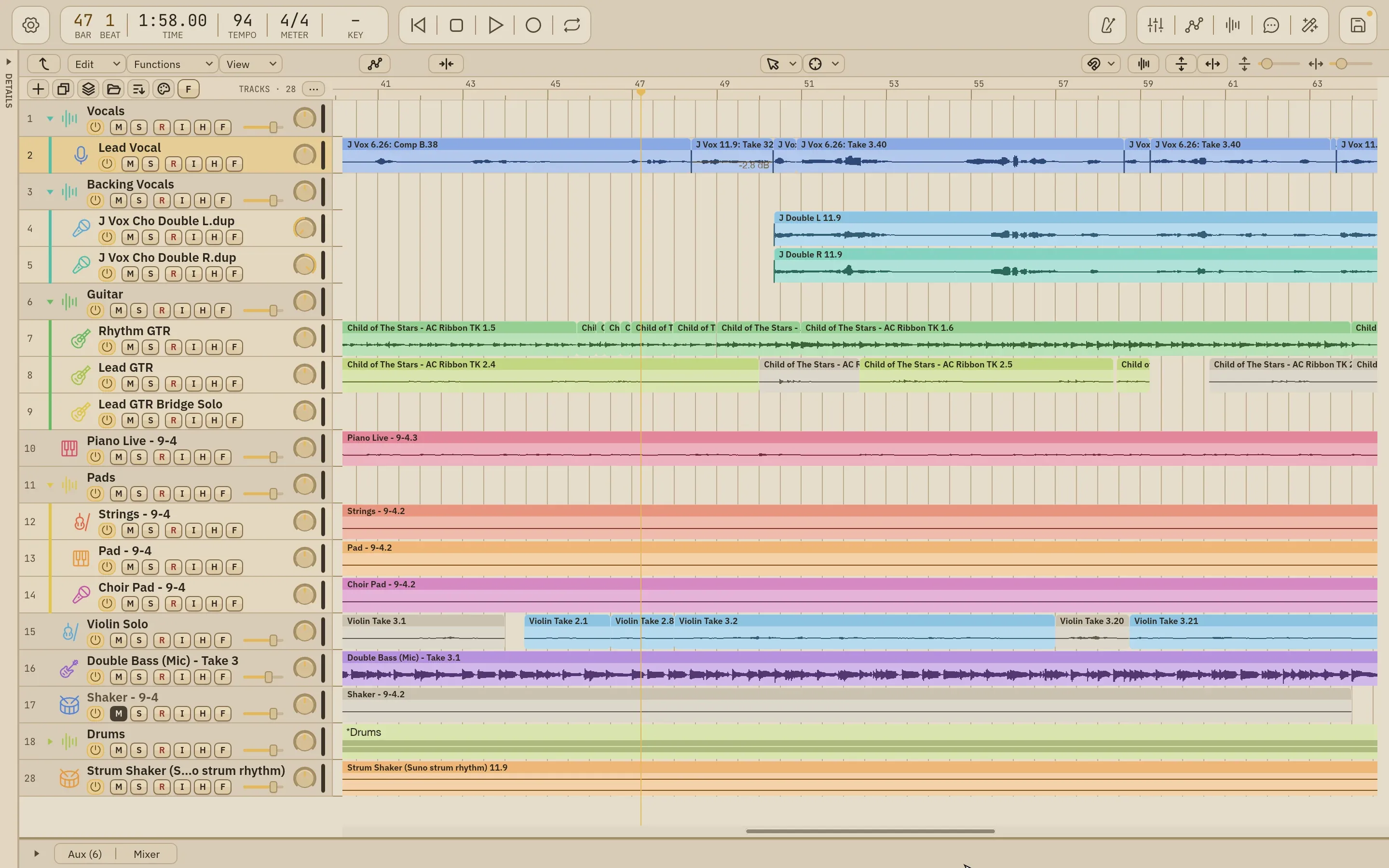
Everything you need to mix sits in one window: the tracks area for regions and automation, a mixer with channel strips, and a Details panel for the selected track.
- Summing Stacks and Folder Stacks
- Volume and plug-in automation
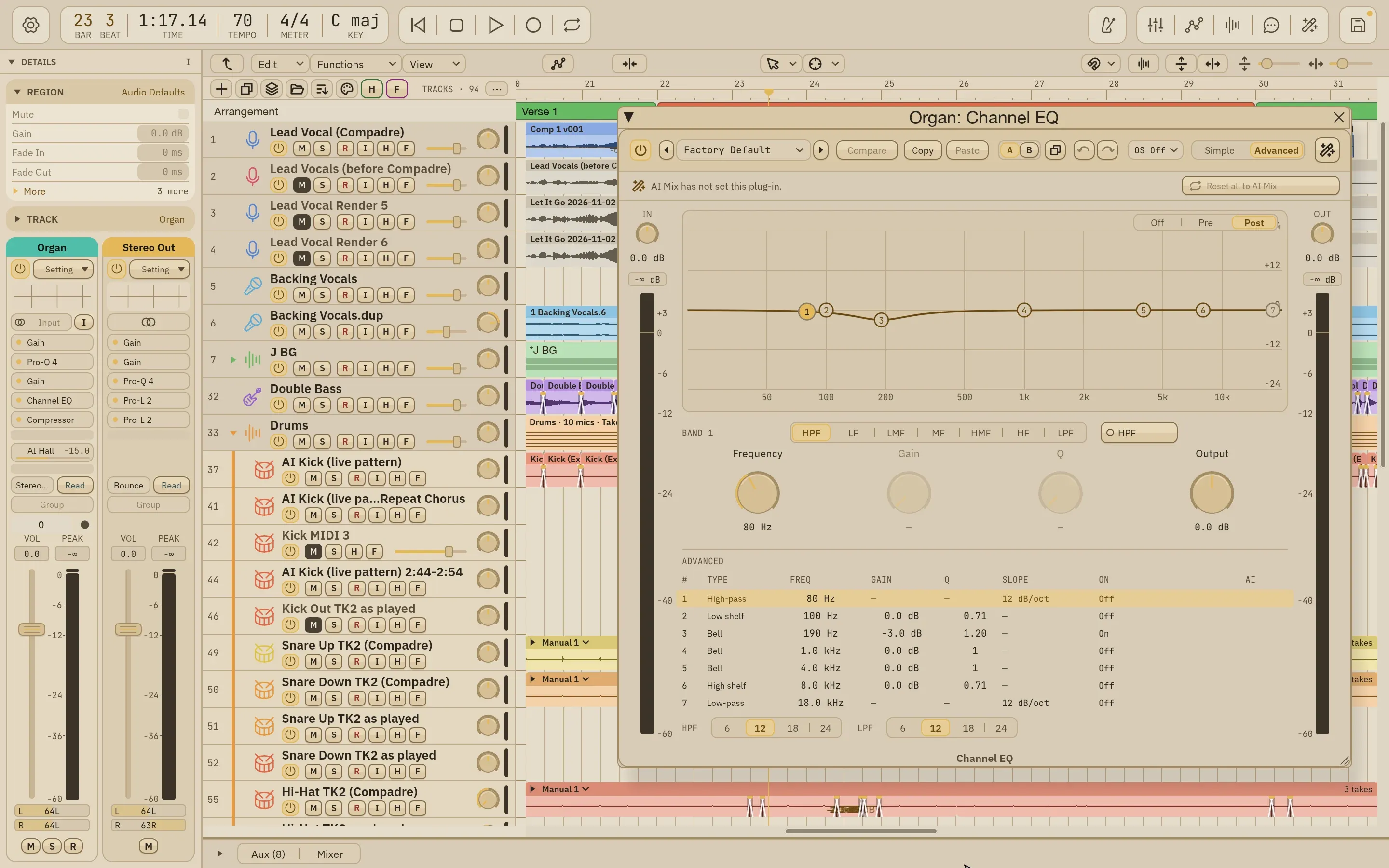
- Dark and light appearances
Editing
The edits a mix needs
Split, fade, crossfade and quantize right where you mix, so small fixes never send you back to another app.
- Scissors and split at playhead
- Fades and crossfades with curve choices
- Audio quantize
Plug-ins
Our processors, and the ones you own
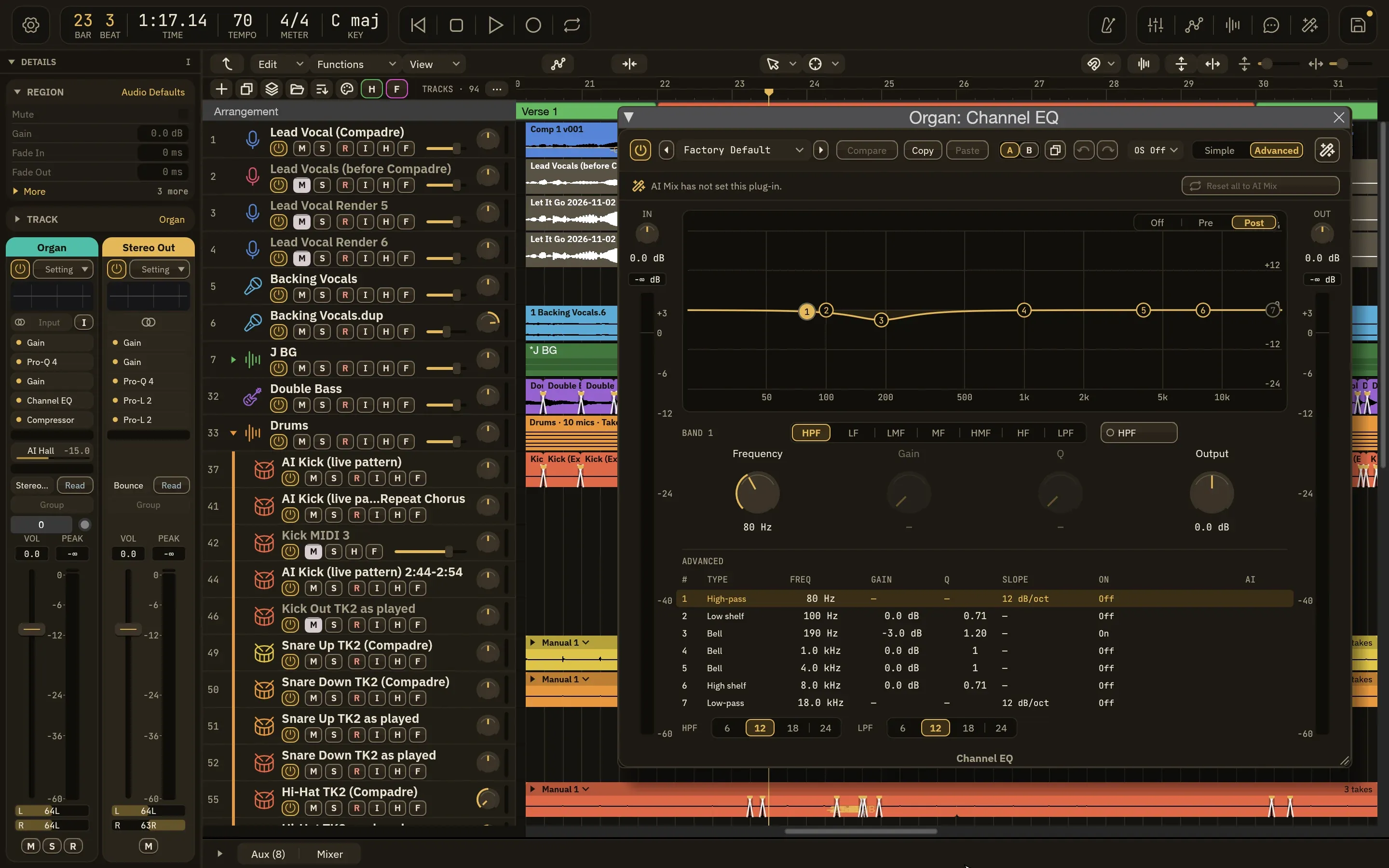
Wisdom Pro has its own native plug-ins with editors made for mixing, and it hosts your Audio Unit plug-ins. AI Mix can set up either.
- Native plug-in editors
- Audio Unit hosting
- AI Mix maps its choices onto your installed plug-ins
The assistant
Say what you hear
Describe the change in plain words and an AI agent makes it in your open session while you watch.
- Plain-language requests
- An Undo button for every request